Independent business, in use
A360 OS, the cockpit of my agency
My everyday work environment, on desktop and mobile: morning and evening voice briefings, market watch, prospect map, teams of assistants, project framing, writing and audits. Radar 360 is its prospecting engine. Most of the work happens overnight while I sleep, and the tool keeps learning and evolving.
See the A360 OS showcase on GitHub- Build
- Claude Code, Lovable (interface), GitHub, Supabase (database and vector search), Gemini (voice, sourced search)
- Connect
- Notion, Google Drive, Gmail and Calendar, Canva, Ubersuggest (SEO), Apollo, Google Maps
- Measure
- Sentry (errors), PostHog (usage and videos), "Usage and improvements" page, AI cost counter
The framing grid
- 1
Business need
Running an agency on my own, I needed information, knowledge, priorities, tasks, tools and actions in one place, to know every day what to do first. Fact
- 2
Users
Me, every day, on desktop and mobile. Fact
- 3
Data
My knowledge and my catalogue of services and offers, queried with RAG, through my connected tools (Notion, Google Drive, Google calendars and mailboxes, Canva, Ubersuggest, Supabase, GitHub); a checkbox adds web search, with sources. For prospecting: Apollo (free account, optimised use), Google Maps, LinkedIn and public company websites, sorted according to qualification rules I set up beforehand. Fact
- 4
Scope
Voice assistant for morning and evening briefings; AI, market and industry watch; prospect map (Radar 360); teams of assistants for every side of the agency; framing tool linked to the offer catalogue; email-writing and audit assistants; social media posts and visuals; validation centre and decision log; Focus mode; installable mobile app. Fact
- 5
Value and cost
Before: up to 1 hour to write an email and 2 hours to research a company. Today: 20 audits ready every morning, automatic framing and prospect follow-up. More than 15 hours saved per week, a low estimate. Capped AI cost: €8 a month for Radar 360 and €4 for A360 OS. Fact
- 6
Indicators
A "Usage and improvements" page shows whether the tool is well used, the time saved and the improvements to plan. Also tracked: audits prepared per night, monthly AI cost against budget, errors (Sentry), usage (PostHog) and views of promotional videos sent by email. Fact
- 7
Guardrails
I approve before anything is sent or published, and strict rules are written into the code. No evidence, no send: no message to an unverified contact. Monthly AI cost cap with an automatic stop. Private access with two-factor authentication. Web search only runs when I ask for it, and cites its sources. Fact
- 8
Handover
Personal tool: no handover planned at this stage. Missing
How a piece of information becomes an action
- 1SignalAn email, a meeting, a prospect's reply, an error: everything lands in a shared register, nothing disappears.
- 2ProposalThe relevant agent explains the priority, with dated sources, and prepares the action.
- 3ApprovalI review, correct or approve. Nothing goes out without my agreement.
- 4ActionThe tool that owns the data acts: Radar sends, the calendar schedules, Notion files.
- 5LogEvery decision is dated and sourced. My corrections are used to learn.
In pictures
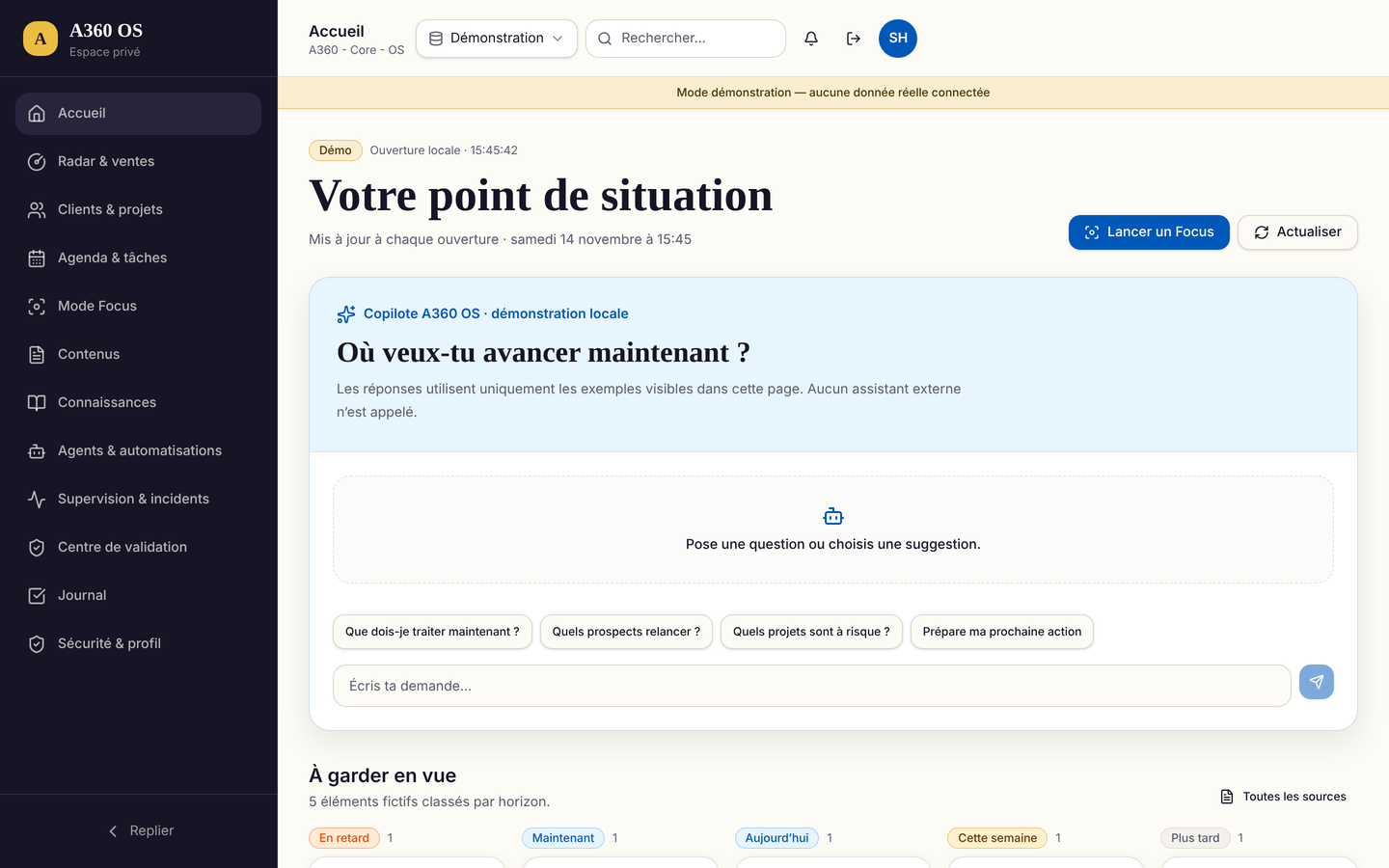
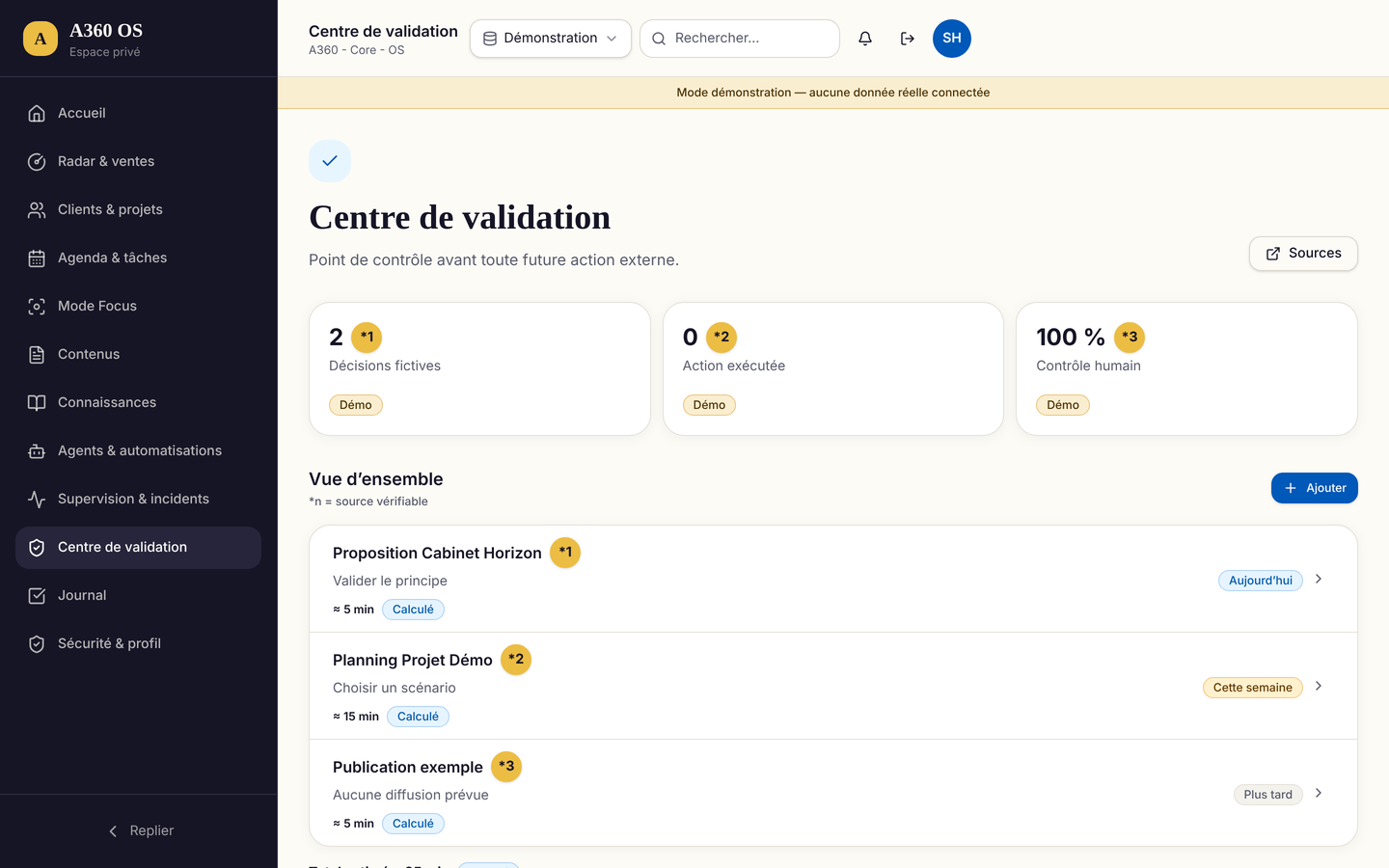
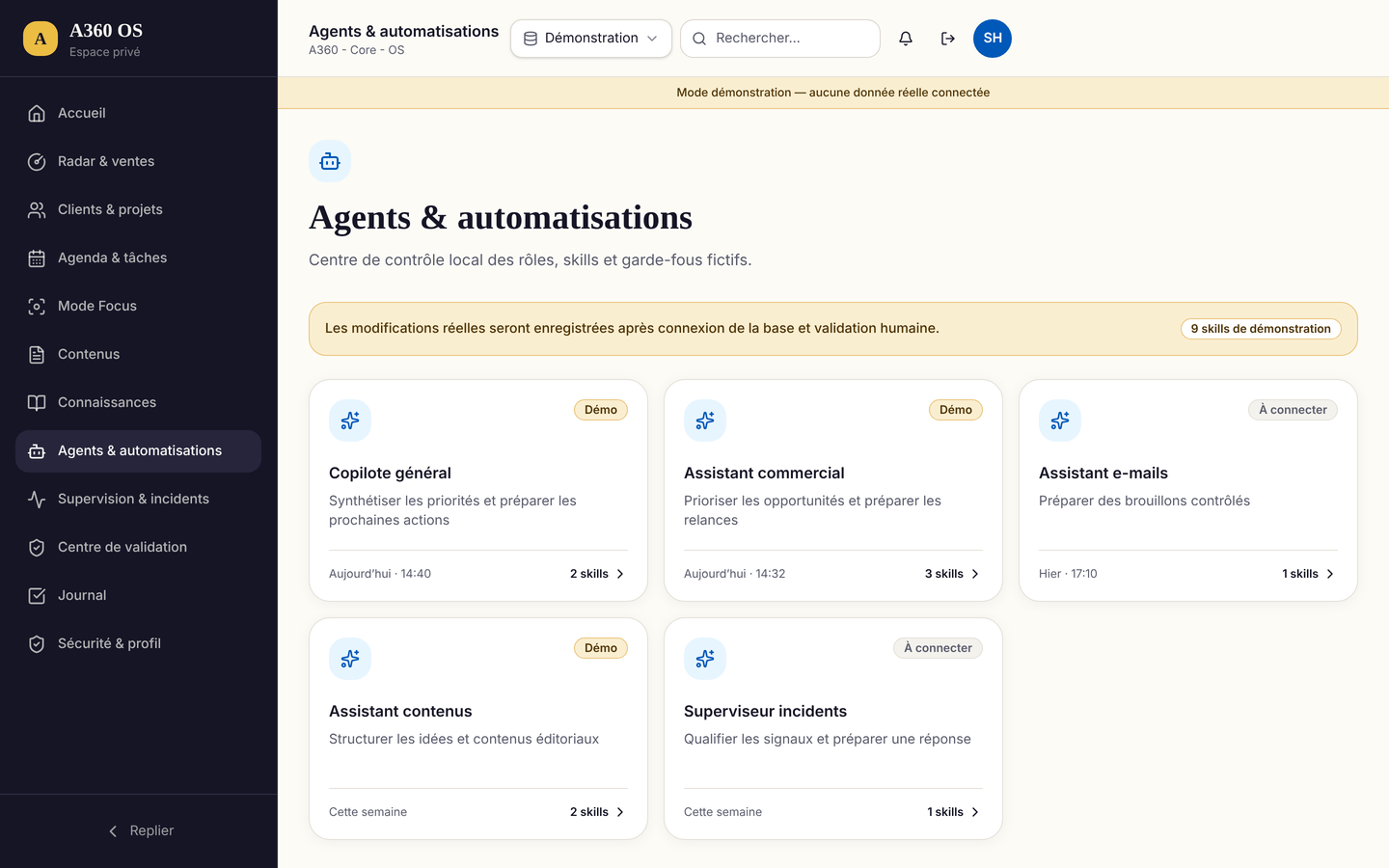
Screens in demo mode, fictional data.
What I learned
- Measure everything to optimise everything: the "Usage and improvements" page turns real use into a list of improvements, and the tool keeps evolving.